// Product · Live
PickYourModel
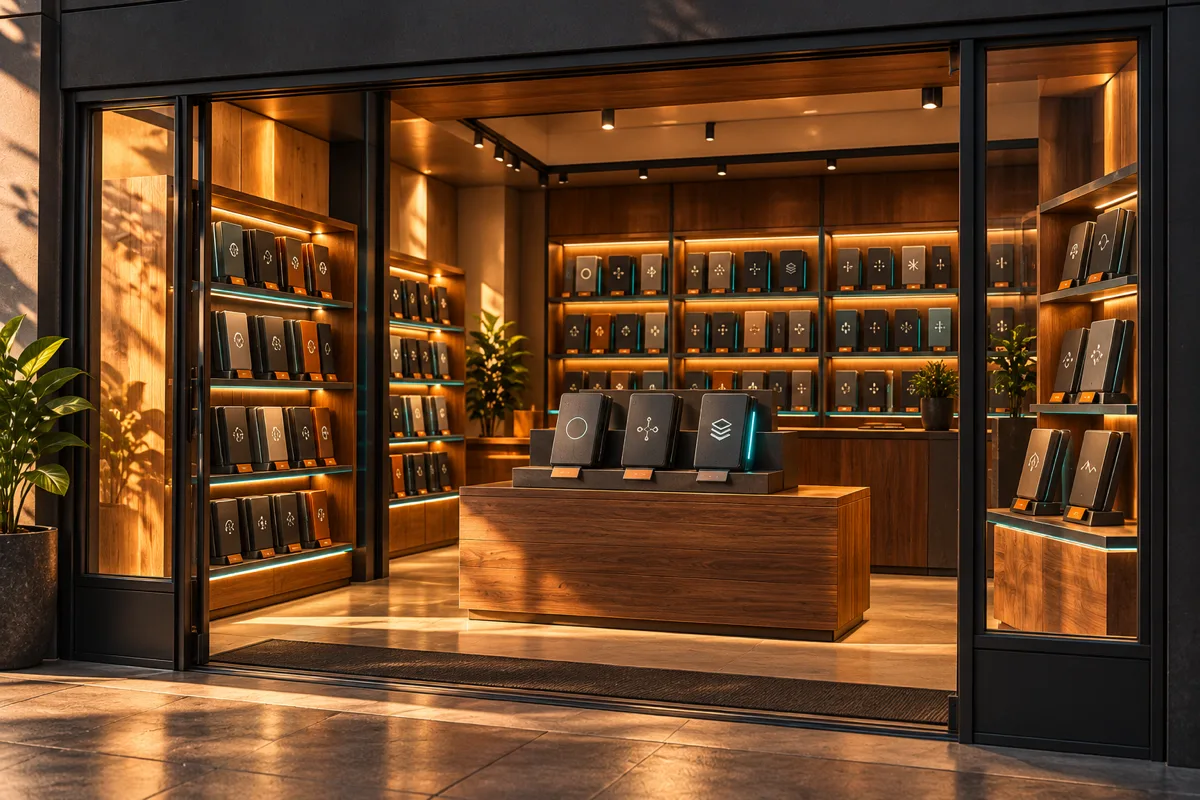
A live site for choosing among 200+ AI models, laid out like a video-rental store.
- My role
- Designed, built and run it myself, with AI assistance throughout
- Type
- Product
- Status
- Live
- React
- TypeScript
- Vite
- Tailwind CSS
- OpenRouter
- Supabase
- Netlify
Overview
PickYourModel is a public site where you browse 200+ AI models the way you used to browse tapes: aisles, boxes, a shelf of staff picks. Behind the shelves it is a working comparison tool. Each model shows its context size, price and capabilities, you can compare a few side by side, save a lineup of three and share it with a link. "Rent" means pick; there is no account and no payment. I took it from an idea to a live product and I own every part of it: product, data, front end, hosting and copy.
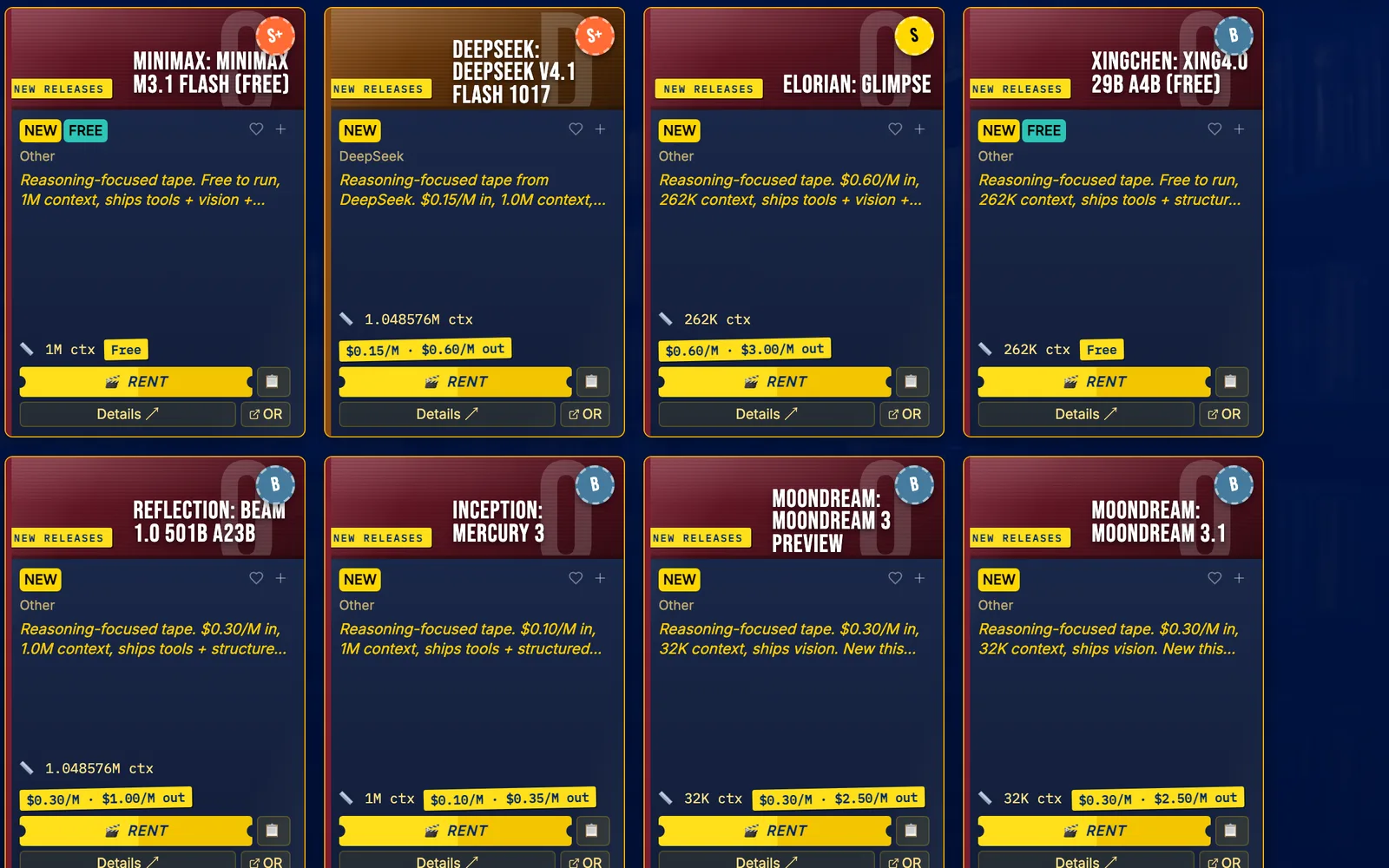
- Tier badgea derived rating, not a benchmark
- Context and price linelive catalog data
- Rent buttonrent means pick, nothing is charged
Why I built it
Two reasons, and both still hold. Choosing a model is confusing for most people, and the usual answer is a dense table. A familiar place made an unfamiliar subject easier to walk around in. The second reason was for me: I wanted to learn how to build with AI by shipping something real, and a video store for models sounded like more fun than another dashboard.
The playful part had one firm boundary from the first build: every number on the site comes from live data or is clearly labelled as flavor. No invented scarcity, no fake activity ticker. That rule cost me a few ideas and kept the site honest.





How it's built
The front end is React and TypeScript on Vite, styled with Tailwind. The browser reads OpenRouter's public model catalog, caches it locally and then in Supabase, and a scheduled server-side job refreshes the catalog every day. Community features (saved lineups, the box-office board, site stats) live in Supabase behind row-level security, and the only writes allowed are through named functions. A lineup gets its own shareable address, with a preview card rendered at the edge so it looks right when pasted into a chat.
The rating you see on each box is derived, not a benchmark: it weighs recency, rarity of capabilities and context size into a percentile tier. Price is shown separately and never rated. I designed that scoring with an adversarial review panel of models arguing against each other, which is also how most of the site was built: a scaffold from Bolt.new, then Claude Code and a pipeline of agents for the build and review passes.
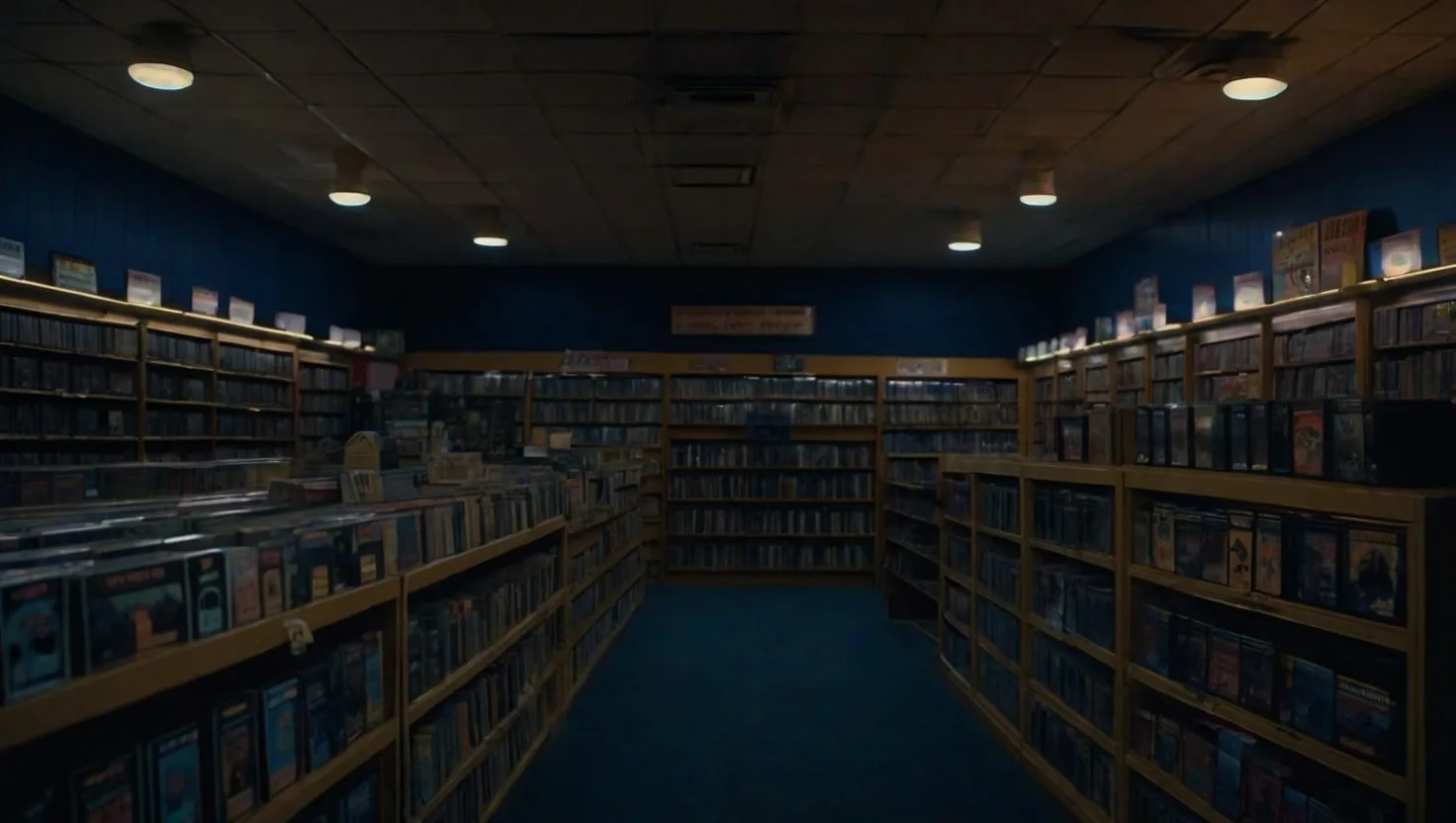
The look is on purpose. The storefront imagery was generated with Leonardo.ai, the box art is procedural, and the short opener video is one five-second generated clip plus authored motion graphics, with original music and tape sounds made with ElevenLabs. Nothing is borrowed from the rental chains it winks at.
Step 1 of 4
Fetch
The browser reads OpenRouter's public catalog.
Step 2 of 4
Cache
Locally first, then in Supabase; a daily job refreshes the catalog server-side.
Step 3 of 4
Rate
A derived tier from recency, capabilities and context; price stays separate.
Step 4 of 4
Share
A lineup URL with a preview card rendered at the edge.
Step 1 of 4
Fetch
The browser reads OpenRouter's public catalog.
Step 2 of 4
Cache
Locally first, then in Supabase; a daily job refreshes the catalog server-side.
Step 3 of 4
Rate
A derived tier from recency, capabilities and context; price stays separate.
Step 4 of 4
Share
A lineup URL with a preview card rendered at the edge.
Tools
- React, TypeScript, Vite: the interface.
- Tailwind CSS: styling and responsive layout.
- OpenRouter: the model catalog.
- Supabase: cache, lineups and stats, with row-level security and function-only writes.
- Netlify: hosting and deploys.
- Leonardo.ai, Higgsfield, ElevenLabs: generated art, one video clip, original audio; all labelled.
- Bolt.new, Claude Code: the first scaffold and the build and review pipeline.
Where it stands
Live. The site serves the catalog, the picker, lineups and share pages, and the opener video. It earns nothing; there are no affiliate links. I have not published visitor or usage numbers, so I make no claims about them.
In progress: a move from Netlify to Cloudflare Workers (the domain already resolves through Cloudflare, the site itself still runs on Netlify), a small analytics pass, and a handful of backlog items such as store-wide music and an embeddable badge.
What building it taught me: an AI review is only as good as its input. Two models and an AI judge once agreed on a bug that did not exist; reading the actual code settled it. The same kind of panel also caught a migration-order mistake that would have broken production before a release. Both happened. The lesson is to keep the review, and keep reading the code.